Quarto
Objectives
- Learn the purpose of Quarto
- Understand structure of a Quarto doc
- Understand code chunks
- Render a Quarto doc into an html file
Why Quarto?
Collecting commands into a script is the first (and arguably most important) step toward reproducible computing.
Literate Programming is a related technique that combines a script’s computational steps with explanations and computational results.
R implements this pattern through Quarto (nee RMarkdown). Quarto combines
- explanatory text (why)
- computation (how)
- results & visualizations (what)
Keeping these pieces in a single document that can be interpreted by both computers and humans helps keep the why/how/what clear, consistent, and accurate.
Quarto document structure and usage
- A Quarto doc is a single text file that contains
- your text (often with formatting)
- code chunks
- results & plots
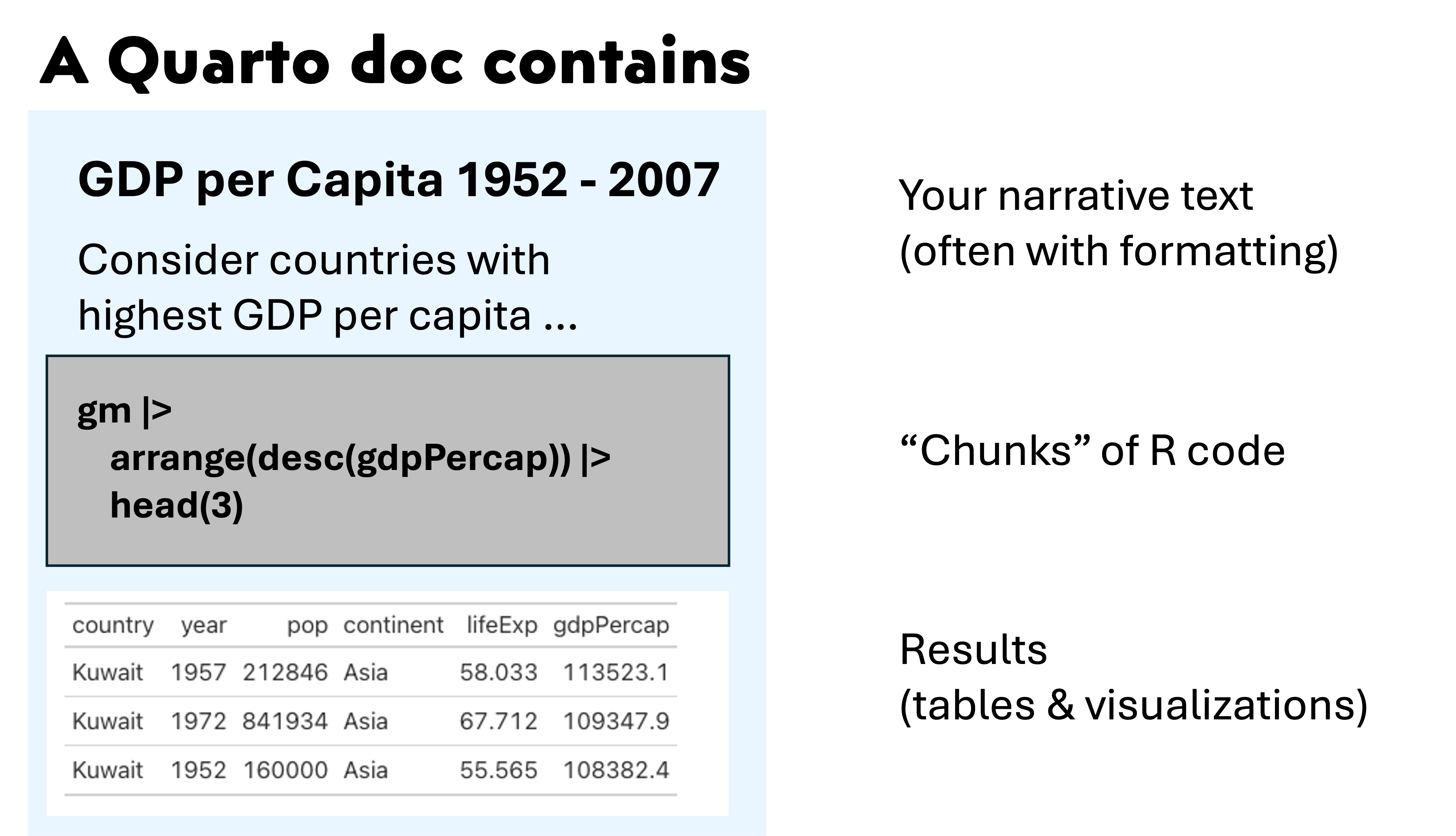
- A Quarto doc can be opened in a text editor, but uses a markdown syntax to enable formatting. The Quarto doc is sometimes generically referred to as a markdown doc.
- You can add text, formatting, and code chunks by typing in the source pane or inserting elements in the visual pane. (And You can toggle back and forth.)
- Rendering a Quarto document applies the text
formatting, executes all the code chunks, and inserts the code results
to create a new output file.
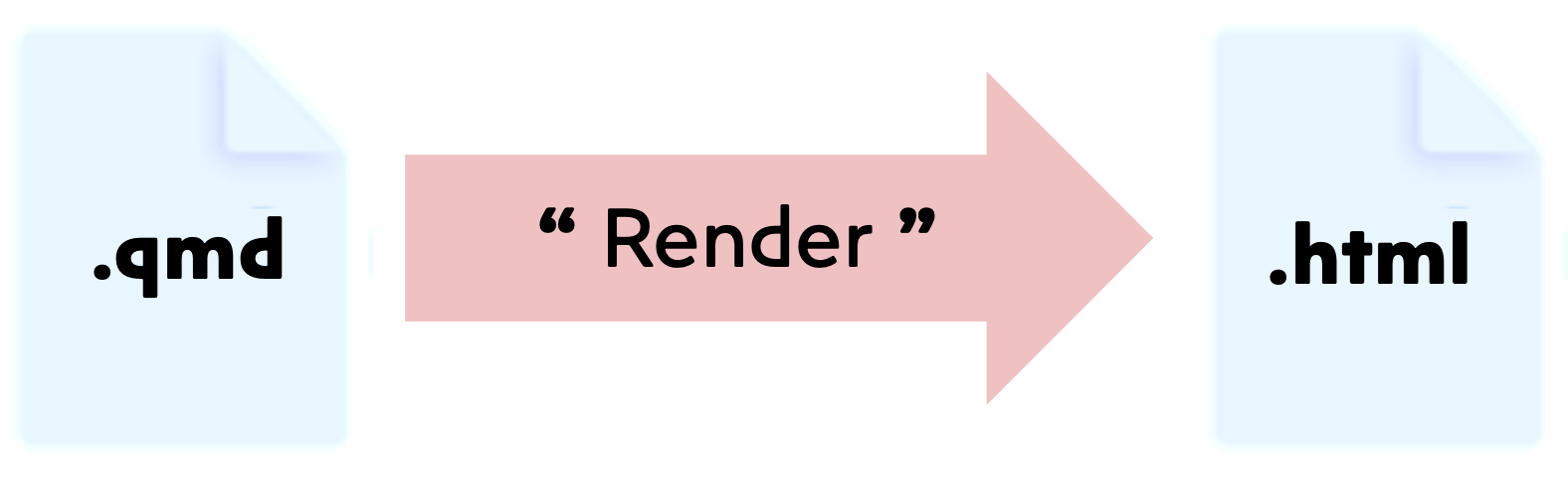
- You can rerun a single code chunk to refresh just those results.
- Code chunk options let you adjust how code chunk output is displayed.
- Code chunks can generate any results you can build in a script or in the R console, including tables or plots.
- R libraries (like
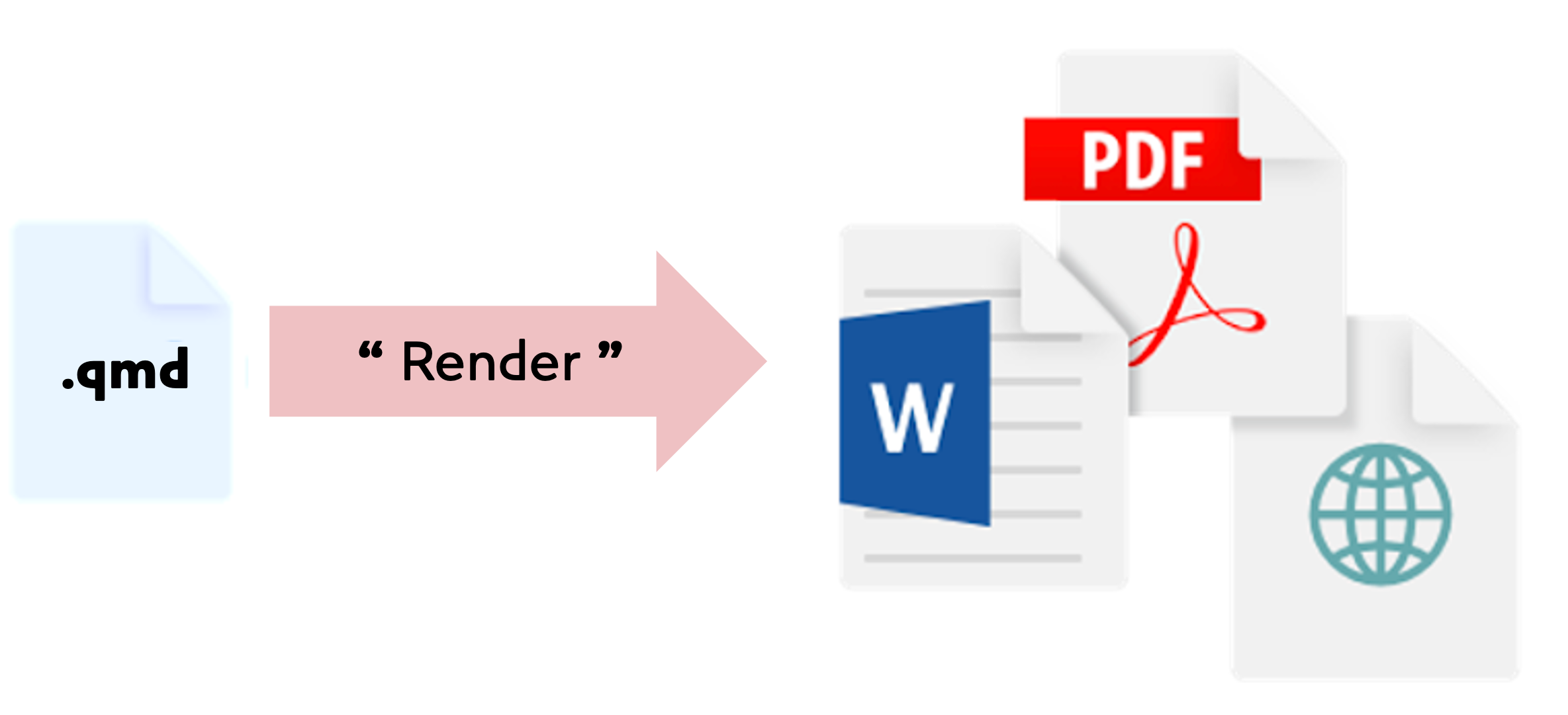
gt) can enhance how output is rendered. - Quarto can convert a single quarto doc into many different document
formats.
- FYI, Quarto can interpret Python code chunks. (Along with a few other languages.)
- You can share the html or PDF files with collaborators. Keep the Quarto file safe (as you would a script) because that’s the file you will need if you ever need to adjust or run again.
Exercises
- Make a Quarto doc.
- In the file pane, create a new directory called
content. - Using the RStudio menu, generate a new Quarto document.
- Save this document in the
contentdir with the namegdp_per_capita.qmd
- Add this text block near the top of the Quarto doc.
# Consider GDP per capita

The **code chunks** below will show how to output
  - tables
- plots- Extend the Quarto doc to include this code chunk:
```{r}
#| tbl-cap: "A data frame."
library(tidyverse)
gm = read_csv('data/gapminder_data.csv')
gm |>
  filter(year == 1952) |>
  arrange(desc(gdpPercap)) |>
  head(3)
```
Consider the dplyr code above; what is it doing? Could you explain what that code is doing to a colleague who wasn’t in this workshop? Try improving the table caption above and re-run that code chunk.
Create another code chunk that uses the gt package to improve the table aesthetics.
```{r}
library(gt)
gm |>
  filter(year == 1952) |>
  arrange(desc(gdpPercap)) |>
  head(3) |>
  gt()
```- Add this ggplot function as a code chunk.
```{r}
#| fig-cap: "A plot"
gm |> ggplot(aes(x = year, y = gdpPercap, color = continent, group = country)) +
  geom_line() +
  facet_grid(cols = vars(continent)) +
  labs(
       title = 'GDP per Capita 1952 - 2007',
       x = 'Year', y = 'GDP per Capita') +
  theme_bw() +
  theme(axis.text.x = element_text(angle = 90, vjust = 0.5, hjust = 1))
```
Consider the ggplot code above; what is it doing? Try improving the figure caption above a re-running that code chunk.
Render into a new html file. Note the new html file in the file pane along with a new folder of html supporting docs.
Quarto metadata (at the top) controls how the whole document is rendered
---
title: "Untitled"
format: html
editor: visual
---
Adjust the title from “Untitled” to “Consider GDP per capita” and re-render the document.
- To make a self-contained html file (that has all the images and
supporting docs embedded inside it), adjust the Quarto metadata to
insert the line
embed-resources: trueas shown below. (Indenting matters)
---
title: "Consider GDP per capita"
format:
  html:
    embed-resources: true
editor: visual
---
Re-render the document and note the html file is slightly larger. A self-contained html file is easy to shared (e.g. email) with a colleague.
Summary
- Quarto improves reproducibility by collecting text, code, and results into a single doc.
- Quarto docs use markdown syntax to format text.
- You can edit the doc with in
Visualtab or by directly typing markdown in theSourceview. - Quarto docs contain executable code chunks that
produce tables and plots.
- Code chunks can be labeled
- Code chunks can be adjusted to display differently
- You Render a Quarto doc to:
- apply the markdown formatting
- execute the code chunks to build results and plots
- combine the above into a new file (HTML or PDF or other type).